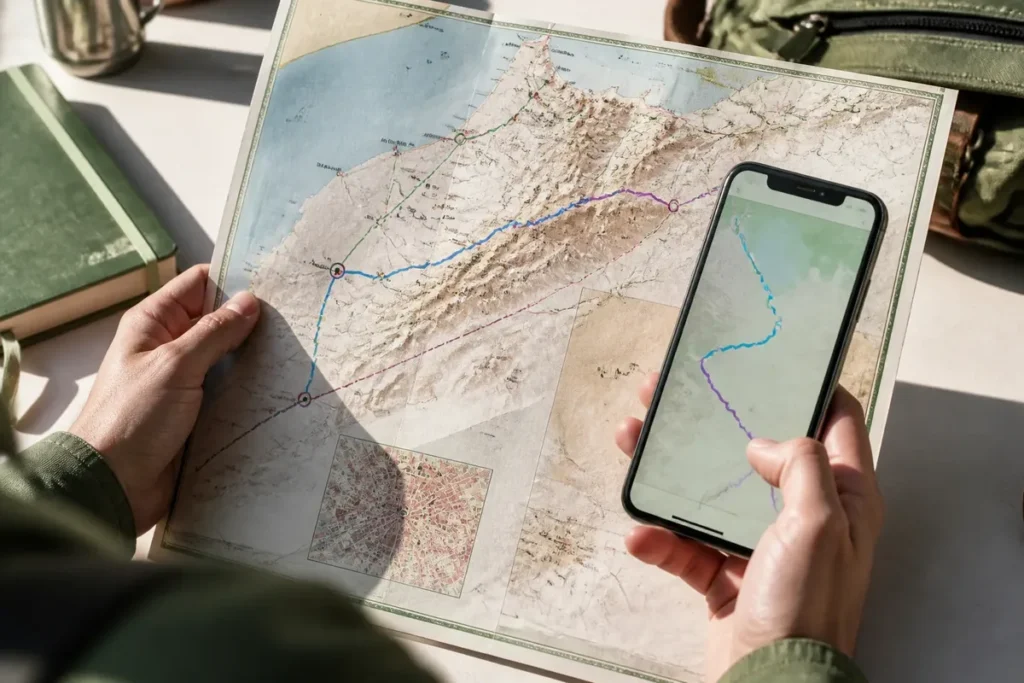
📋 Key takeaway: Personally, I believe that adopting a vector map revolutionizes navigation in Morocco, as it allows infinite zoom without losing the sharpness of road and topographic details. It is the ultimate digital tool to break free from the limitations of paper and network loading.
.synthesis h2, .synthesis .synthesis-header { font-size: 1.15em; font-weight: 700; margin-bottom: 0.6em; color: #47752c; }
.synthesis p, .synthesis li { font-size: 1em; line-height: 1.65; margin: 10px; }
.synthesis strong { color: #121e0b; }
.synthesis table { width: 100%; border-collapse: collapse; }
.synthesis th { background: rgba(91, 150, 56, 0.12); color: #47752c; text-align: left; }
.synthesis td, .synthesis th { padding: 8px 12px; border-bottom: 1px solid rgba(91, 150, 56, 0.18); vertical-align: top; }
.synthesis tbody tr:nth-child(even) { background: rgba(91, 150, 56, 0.05); }
.key-takeaways { max-width: 640px; margin: 2em auto; padding: 1.5em 1.8em; color: #1f3313; font-family: “Inter”, “Segoe UI”, sans-serif; text-align: left; position: relative; box-sizing: border-box; background: #f2f7ef; border: 1px solid #5b9638; border-left: 6px solid #5b9638; border-radius: 12px; box-shadow: 0 8px 24px rgba(251, 191, 36, 0.15); }
.key-takeaways h2, .key-takeaways .key-takeaways-header { font-size: 1.15em; font-weight: 700; margin-bottom: 0.6em; color: #47752c; }
.key-takeaways p, .key-takeaways li { font-size: 1em; line-height: 1.65; margin: 10px; }
.key-takeaways strong { color: #121e0b; }
.key-takeaways ul { list-style: none; padding-left: 0; }
.key-takeaways li { margin: 0.45em 0; padding-left: 0.2em; }
.mg-callout{margin:1.5em 0;padding:.9em 1.1em;border:1px solid;border-left-width:4px;border-radius:10px;font-size:.97em;line-height:1.65}.mg-callout>:first-child{margin-top:0}.mg-callout>:last-child{margin-bottom:0}.mg-callout__label{display:block;margin:0 0 .35em;font-weight:700;font-size:.82em;letter-spacing:.03em;text-transform:uppercase}.mg-callout__label::before{margin-right:.45em;font-size:1.05em;vertical-align:-.06em}.mg-callout–info{background:#eff6ff;border-color:#bfdbfe;color:#1e3a5f}.mg-callout–info .mg-callout__label{color:#2563eb}.mg-callout–info .mg-callout__label::before{content:”\2139\FE0F”}.mg-callout–tip{background:#f0fdf4;border-color:#bbf7d0;color:#14532d}.mg-callout–tip .mg-callout__label{color:#15803d}.mg-callout–tip .mg-callout__label::before{content:”\1F4A1″}.mg-callout–warning{background:#fffbeb;border-color:#fde68a;color:#7a4a10}.mg-callout–warning .mg-callout__label{color:#b45309}.mg-callout–warning .mg-callout__label::before{content:”\26A0\FE0F”}.mg-callout–danger{background:#fef2f2;border-color:#fecaca;color:#7f1d1d}.mg-callout–danger .mg-callout__label{color:#dc2626}.mg-callout–danger .mg-callout__label::before{content:”\1F6D1″}.mg-proscons{display:grid;grid-template-columns:1fr 1fr;gap:16px;margin:1.5em 0}@media(max-width:560px){.mg-proscons{grid-template-columns:1fr}}.mg-proscons__col{padding:.9em 1.1em;border:1px solid;border-radius:10px}.mg-proscons__title{display:flex;align-items:center;gap:.4em;margin:0 0 .5em;font-weight:700;font-size:.9em;letter-spacing:.02em}.mg-proscons__col ul{margin:.3em 0 0;padding-left:1.15em}.mg-proscons__col li{margin:.3em 0;line-height:1.55}.mg-proscons__col–pro{background:#f0fdf4;border-color:#bbf7d0;color:#14532d}.mg-proscons__col–pro .mg-proscons__title{color:#15803d}.mg-proscons__col–pro .mg-proscons__title::before{content:”\2705″}.mg-proscons__col–con{background:#fef2f2;border-color:#fecaca;color:#7f1d1d}.mg-proscons__col–con .mg-proscons__title{color:#dc2626}.mg-proscons__col–con .mg-proscons__title::before{content:”\274C”}ol.mg-steps{list-style:none!important;counter-reset:mgstep;margin:1.6em 0;padding-left:0!important}ol.mg-steps>li.mg-steps__item{counter-increment:mgstep;list-style:none!important;padding-left:0!important;padding-bottom:1.4em}ol.mg-steps>li.mg-steps__item:last-child{padding-bottom:0}ol.mg-steps>li.mg-steps__item>:last-child{margin-bottom:0}ol.mg-steps>li.mg-steps__item>.mg-steps__title{margin:0 0 .25em;font-weight:600}ol.mg-steps>li.mg-steps__item>.mg-steps__title::before{content:counter(mgstep) “. “;opacity:.45;font-weight:500;font-variant-numeric:tabular-nums}ol.mg-steps>li.mg-steps__item:not(:has(.mg-steps__title))::before{content:counter(mgstep) “. “;opacity:.45;font-weight:500;font-variant-numeric:tabular-nums}.mg-kpis{display:grid;grid-template-columns:repeat(auto-fit,minmax(140px,1fr));gap:14px;margin:1.5em 0}.mg-kpi{padding:1em .9em;border:1px solid #e5e7eb;border-radius:12px;background:#f9fafb;text-align:center}.mg-kpi__value{display:block;font-size:1.7em;font-weight:800;line-height:1.15;color:#111827}.mg-kpi__label{display:block;margin-top:.35em;font-size:.85em;color:#6b7280;line-height:1.35}
.wp-block-image,.ai-image{margin-bottom:1.75em}.wp-block-image>figcaption,.ai-image>figcaption{margin-top:.5em}
In 4 steps, a vector map of Morocco becomes a usable base: choose the right file, check its perimeter, organize its layers, then export it in a format suitable for printing or the web. The ideal base remains editable and offers several levels of detail, from regions to cities, with roads or relief depending on the project.
🌟 My experience: While testing an offline vector mapping application during a journey between plains and major roads, I was able to zoom smoothly into the alleys of the medinas without ever saturating my storage space. This flexibility saved me many unexpected detours.
The difference between a simple illustration and a true cartographic resource lies in the attributes, projection, and license. An administrative map can display 12 regions and 75 prefectures or provinces, whereas grouping into four large editorial zones only serves to simplify reading.

| 🗺️ | Vector base: points, lines, and polygons modifiable separately. |
| 📐 | Coordinates: a geospatial file must specify its reference system. |
| 🏛️ | Division: administrative regions, provinces, or graphic grouping do not mean the same thing. |
| 🎨 | Customization: colors, outlines, labels, and layers can be adapted to the medium. |
| 🖨️ | Export: SVG or PDF are suitable for illustration and printing; GeoJSON or KML are used for geographic purposes. |
| ⚠️ | Critical point: the represented perimeter must appear clearly in the legend and metadata. |
To properly prepare your digital stay, I invite you to prepare your trip to Morocco in order to integrate these technological tools in advance. You can also discover some tips for discovering Marrakech in a connected way, or explore our complete guide to visit Morocco as part of an unforgettable trip.
What is a vector map of Morocco?
🍀 Advantages
• Lightweight files and fast to download
• Smooth zoom without loss of visual quality
• Full offline use with GPS
🔻 Disadvantages
• Energy consumption related to the active screen
• Visual rendering sometimes less artistic than a paper map
• Requires a minimum familiarity with the application
A vector map of Morocco is a file composed of independent geometric objects, such as borders, roads, or localities, rather than a fixed image in pixels. This structure allows modifying one area without retouching the entire composition and preserves sharp contours during significant enlargement.
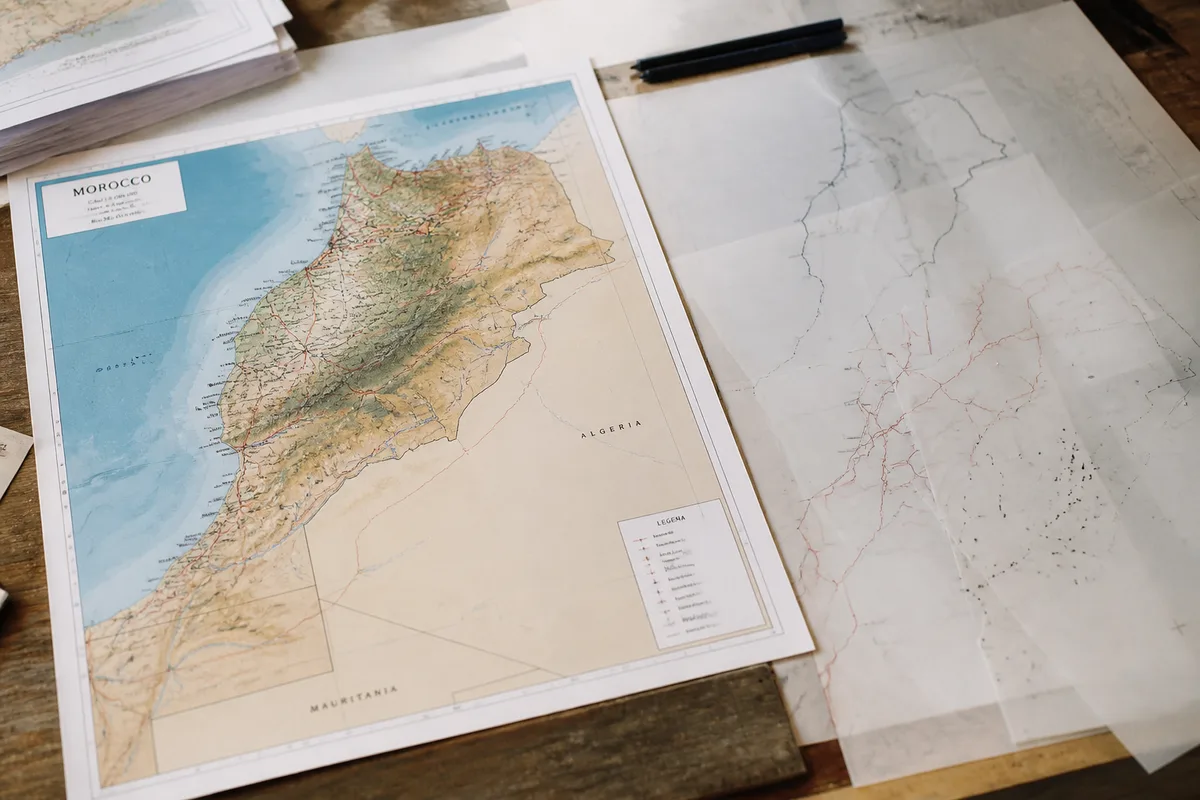
The SVG format is suitable for an editable illustration. SVG 1.1 is a W3C recommendation published on August 16, 2011. For geographic data exchange, GeoJSON compliant with RFC 7946 uses WGS 84, with coordinates written in the order [longitude, latitude].
However, a visual file can lose its geographic information during export. A shape that looks like a border is not necessarily linked to an administrative attribute. In a GIS, each object must therefore retain usable fields: name, category, identifier, or administrative level.
The word “map of Morocco” covers several products. One resource may display regions, provinces, and municipalities; another simplifies the territory into large zones intended for presentation. The right choice depends on the level of precision actually needed.
💡 Did you know? Vector maps rely on global collaborative databases where thousands of contributors daily update road layouts, trails, and points of interest in Morocco.
How to choose and prepare the right file?
Choose the file based on the expected result: illustration, printing, spatial analysis, or interactive map. An SVG suits a graphic composition; a GeoJSON or KML integrates better into a mapping chain; a native drawing file retains more editing possibilities.
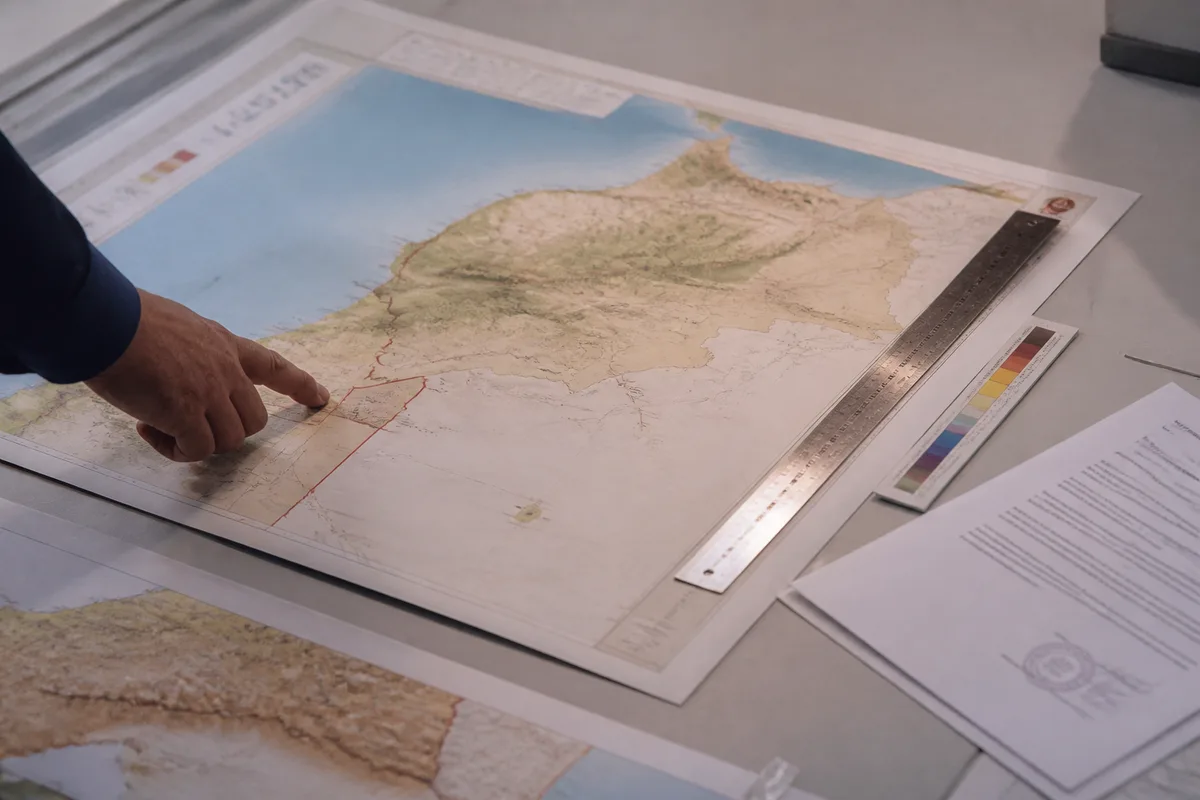
⚠️ Classic trap: Forgetting to download the complete map of Morocco before leaving a Wi-Fi zone, which would leave you without detailed vector data once you arrive in the remote areas of the Atlas or the desert.
Formats and real compatibility
A format advertised as vector does not guarantee identical opening in all software. SVG retains shapes and texts, while GeoJSON carries geographic objects and their properties. KML 2.2 is intended notably for virtual globes and software capable of exploiting this standard.
- Illustration or presentation: use an editable SVG, then check fonts and effects.
- Printing: prepare a PDF or SVG, with texts readable in the final format.
- Spatial analysis: keep a GeoJSON, a Shapefile, or a native GIS format with its attributes.
- Virtual globe: choose a KML when objects must be geographically positioned.
Before any modification, duplicate the original file and name the copy according to the project. This precaution allows you to revert to the original background if a simplification removes useful objects or if a conversion alters the coordinates.
The coordinate system must be read in the file properties or its metadata. If layers shift after import, the problem often comes from a different projection or a missing transformation. Then reproject the data into the system expected by the destination software, without manually moving the shapes.
A downloaded map can also present a different territorial perimeter than another representation. One resource explicitly signals a part of Western Sahara, while a general map does not always describe its coverage with the same level of detail. This difference must appear in the legend, title, and project notice.
⏱ Practical tip: Remember to disable the display of unnecessary layers (such as bike paths or urban public transport if you are driving) to lighten the display of your vector map and preserve battery life.
How to do it: steps to customize the map
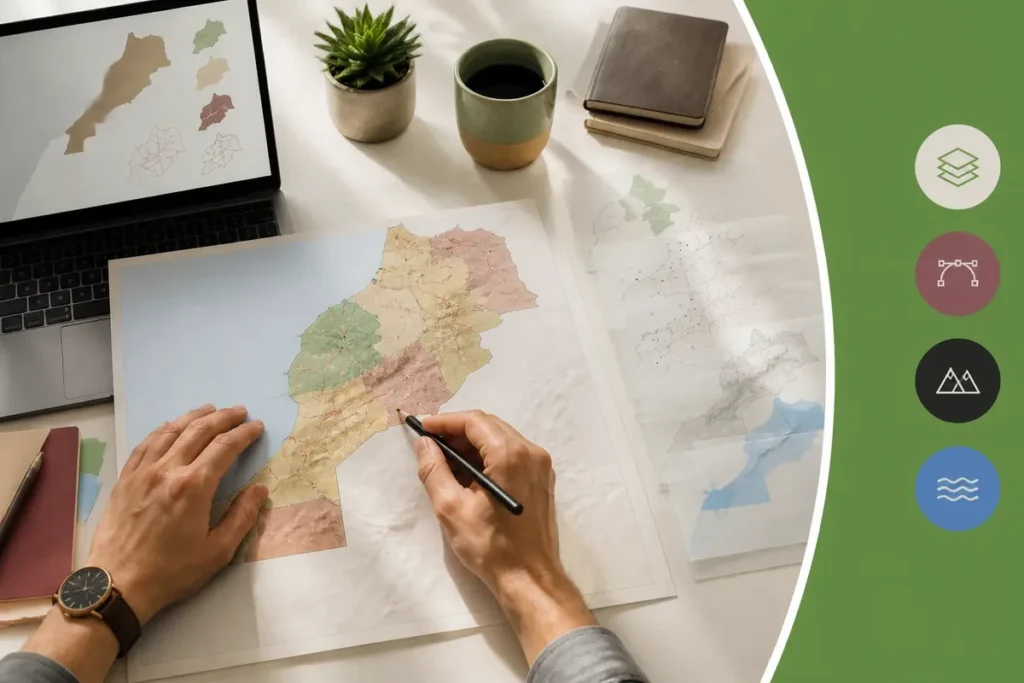
Customization succeeds when the background remains readable after each modification. First work on the layer structure, then apply styles, then add thematic data and reading elements; export only occurs after testing on the final medium.
Step 1: import and classify layers
Import the file into the software suited to its format, then classify objects by function. Create separate groups for boundaries, hydrography, axes, localities, and added data. The expected result is a map where each family can be hidden without modifying the others.
Step 2: adjust styles and labels
Assign a visual hierarchy to objects: main boundaries must dominate secondary boundaries, while roads or watercourses remain visible enough to guide reading. Labels should appear only at the zoom level where they remain distinct.
Reduce the number of names displayed when the map becomes dense. A capital, a studied city, or a central axis deserves more contrast than a secondary locality. On site, a map intended for a route does not require the same density as an administrative map printed in a report.
Step 3: add thematic data
Select objects directly related to the subject: a study area, a route, or a series of points of interest. Use separate categories for different types and a gradual gradient for ordered numerical values. The expected result is information highlighted without losing the geographic context.

- Duplicate the background layer to keep a neutral version.
- Add the thematic layer and associate each object with a category or value.
- Choose contrasts that are readable both in print and on screen.
- Add a legend explaining the colors, symbols, and units.
- Reduce the display to the intended scale, then export a test version.
To locate cities and large territorial units, the map of Morocco with cities and regions provides a useful editorial supplement when the vector background does not have enough landmarks.
Step 4: add reading elements
Insert a legend, a graphic scale, an orientation, and the data source when the map is published. Place these elements in a clear area, without covering the main information. The expected result is a map understandable without oral explanation.
For reliefs and altitudes, separate the contours, shading, and spot heights. A darker color is not enough to explain altitude; the legend must specify the represented variable and its unit. The reliefs of the topographic map of Morocco constitute a distinct angle from an administrative background.
What pitfalls to avoid before export and distribution?
The most costly errors appear when the map leaves the software: misunderstood license, flattened layers, unreadable colors, or ambiguous perimeter. A final check must focus on the file itself, its rendering, and the information accompanying its publication.
Common mistakes
- Confusing illustration with geographic data: a drawn shape may have no attributes or reliable coordinates. Keep the GIS file when analysis or updating matters.
- Using a simplified division as the official division: four major editorial zones do not replace the 12 regions nor the 75 prefectures or provinces.
- Flattening layers too early: this action then prevents separately modifying roads, texts, or borders.
- Choosing colors solely for their aesthetics: low contrast makes data indistinct on screen and in print.
- Forgetting the license and attribution: a file visible for free may limit modification, distribution, or commercial use.
A license must at least distinguish modification, printing, distribution, and commercial use. If these rights are not written in the information associated with the file, commercial reuse remains undecidable; then remove the file from the publication process instead of assuming it is free.
Dates alone are not enough to measure the freshness of a map. One resource shows a modification on October 28, 2024, while another mentions an update on October 30, 2024; no regular frequency is established by these alone. The ANCFCC is presented as the producer of Moroccan maps, without an update schedule provided here.
Export According to the Medium
Choose the final format after identifying the medium. SVG or PDF preserve shapes for printing or layout; PNG produces a fixed image; GeoJSON or KML keep a geographic object logic for digital use.
| Use | Preferred Format | Final Control |
|---|---|---|
| Poster or report | PDF or SVG | Texts, outlines, and legend visible at actual size. |
| Fixed image on the web | PNG | Resolution, weight, and contrast on screen. |
| Cartographic analysis | GeoJSON or GIS format | Coordinates, attributes, and geometries preserved. |
| Virtual globe | KML | Positioning, styles, and object display. |
Export a proof and examine it on the intended medium. Cut texts, hidden layers, replaced outlines, or modified colors sometimes appear only after conversion. For a printed file, embed fonts or convert texts to outlines when the graphic chain requires it.
For a touristic use, a vector map does not replace a road map or an updated traffic source. Distances and reliefs can enrich a composition, without turning an illustration into a reliable navigation tool.
The safest choice is to keep two versions: the original file with its metadata and a stylized copy intended for the public. Add the source, data date, represented perimeter, and license in the notice or legend; if any of these elements is missing, do not present the map as a complete reference.

Technical sources to keep with the file
- W3C: SVG 1.1, for the description of the vector illustration format.
- IETF: RFC 7946, for the GeoJSON structure, WGS 84 and the longitude-latitude order.
- OGC: KML 2.2, for data exchange intended for virtual globes.
- Vendor documentation: license, formats actually provided, scope and displayed date.
.magic-lb-overlay.open{display:flex}
.magic-lb-overlay img{max-width:95vw;max-height:95vh;object-fit:contain;border-radius:8px;box-shadow:0 8px 32px rgba(0,0,0,.5)}
.magic-lb-close{position:absolute;top:16px;right:20px;color:#fff;background:rgba(0,0,0,.5);border:none;width:40px;height:40px;border-radius:50%;font-size:24px;cursor:pointer;display:flex;align-items:center;justify-content:center}
.magic-lb-close:hover{background:rgba(0,0,0,.8)}
.wp-block-image img{cursor:zoom-in;transition:transform .15s ease}
.wp-block-image img:hover{transform:scale(1.01)}
.magic-img-link{display:inline-block;text-decoration:none}
What is a vector map of Morocco?
Unlike a simple image, a vector map is made up of mathematical points, lines, and polygons, allowing roads and places to be displayed with maximum smoothness and sharpness at any zoom level.
Can a vector map be used without an Internet connection?
Yes, this is one of their main advantages. You just need to download the region or the entire country (like Morocco) in advance to navigate completely offline using the smartphone’s built-in GPS.
Which applications support vector maps for Morocco?
Applications like Maps.me, Organic Maps, or OsmAnd use OpenStreetMap vector data optimized for smooth and detailed mobile use.
(function(){
var ov=document.getElementById(‘magic-lb’);if(!ov)return;
var img=ov.querySelector(‘img’),btn=ov.querySelector(‘.magic-lb-close’);
var L={fr:’Fermer’,es:’Cerrar’,en:’Close’,pt:’Fechar’,it:’Chiudi’,de:’Schlie\u00dfen’,nl:’Sluiten’,ca:’Tancar’};
btn.setAttribute(‘aria-label’,L[(document.documentElement.lang||”).slice(0,2).toLowerCase()]||’Close’);
function open(src){img.src=src;ov.classList.add(‘open’);document.body.style.overflow=’hidden’}
function close(){ov.classList.remove(‘open’);img.src=”;document.body.style.overflow=”}
document.addEventListener(‘click’,function(e){
var a=e.target.closest(‘a.magic-img-link’);
if(a){e.preventDefault();open(a.getAttribute(‘href’));return}
var i=e.target.closest(‘.wp-block-image img’);
if(i&&!e.target.closest(‘a’)){e.preventDefault();open(i.currentSrc||i.src)}
});
ov.addEventListener(‘click’,function(e){if(e.target===ov||e.target===btn)close()});
document.addEventListener(‘keydown’,function(e){if(e.key===’Escape’)close()});
})();